

ZT230 Industrial Printer
The ZT230 features the durability of a metal frame and cover with an icon based LCD graphical user interface and larger ribbon capacity for long lasting use in demanding environments.
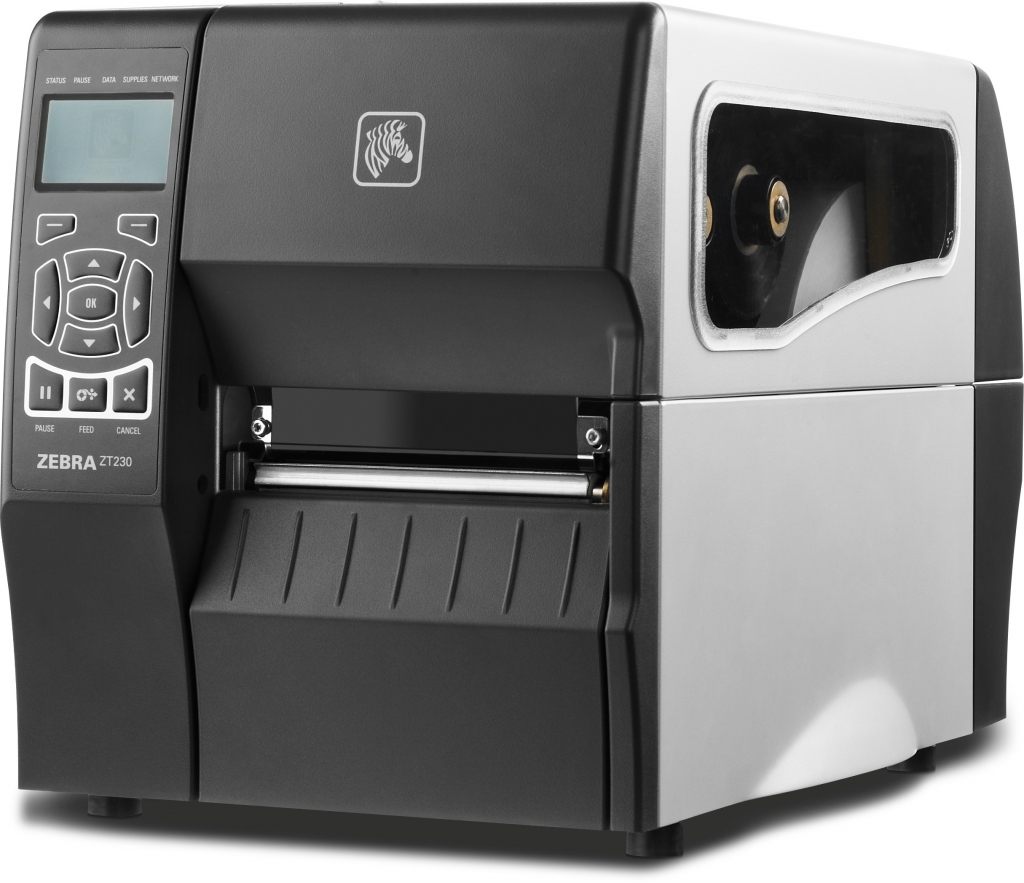
ZT230 Industrial Printer
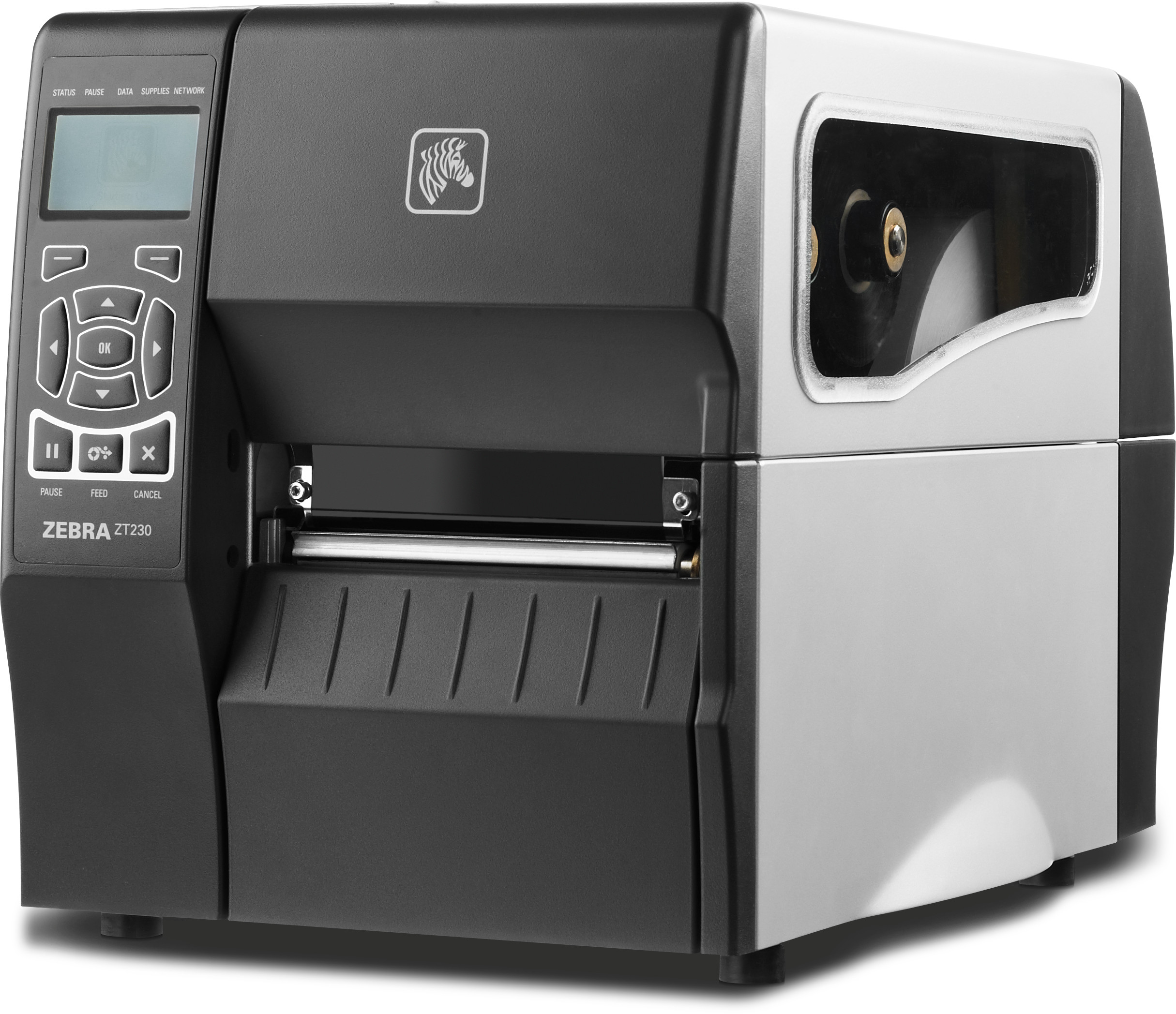
Space-saving design
Unique bi-fold door fits easily into tight spaces maximizing work space.
Fast installation and integration
Ideal replacement printer for previous generations, multiple connectivity options, icon-based status LEDs and Virtual Devices apps ensure fast installation and integration.
Intuitive, effortless media loading
Side-loading design, color-coded cues, and illuminated multi-position transmissive and reflective sensors simplify media loading.
Print quality
Great print precision with fine-tuned adjustments and crisp, clean text and barcodes ensure print quality.
Zebra reliability and durability
ENERGY STAR® qualified, built for light industrial and commercial environments and designed for optimal performance with minimal maintenance required.
Simplified serviceability
Only three common tools needed for basic service and simple interchangeable connectivity options enable rapid printer changes and upgrades.
The Link-OS environment in-depth
The Link-OS environment is highly flexible, allowing new and creative ways for users to develop applications that interact with Zebra printers from mobile devices located anywhere in the world.
Simplified operation and outstanding value
The ZT200 series is designed to simplify and shorten servicing and consumable replacement time. The easy tool-less platen and print head removal makes it easy for operators to maintain the printer. The side loading supplies path enables simplified media and ribbon insertion and color coded media path clearly directs media and ribbon threading.
Compact footprint fits where space is at a premium
The ZT200 Series printer’s compact design, when closed and opened, fits easily in constrained work areas. The ergonomic bi-fold door requires only 4″ (102mm) of door swing room, reducing the printer height and making it ideal for placement under a shelf or against another item.
Versatility at an economical price
Both of the ZT200 series printers feature the same attractive styling, are built on a common platform and share many of the same internal components. The ZT200 has a 300m ribbon capacity and the ZT230 can accommodate a 450m ribbon. The ZT200 handles a variety of media types and the optional peel, cutter and line take up offer additional flexibility for a variety of applications.
Zebra ZT200 series Printers
| PRINT WIDTH 4.09″/104 mmPRINT RESOLUTION 203 dpi/8 dots per mm 300 dpi/12 dots per mm (optional)MAXIMUM PRINT SPEED 6″/152 mm per second |
CONSTRUCTION Metal frame with metal coverCOMMUNICATION METHODS Prallel, 10/100 Ethernet, 802.11a/b/g/n wireless |
Adobe Reader is required to open and view PDF files. This can be downloaded free from adobe.com.
Available Documents
Zebra® ZT200™ seriesPerformance Series
The Datamax-O’Neil p1120n Near Edge Performance Printer offers a unique near-edge printhead that allows full use of the label giving customers the ability to design and code barcodes that support detailed information. The flexible multimedia printing allows labels to be printed on synthetics, tags, self-adhesives and plastics. The near-edge printhead gives users the ability to integrate barcode printing across a wide variety of applications. The p1120n also offers auto-loading capabilities, a user-friendly touchscreen, and uses industry standard PCL printer language making it easy to integrate.
View ProductSpirits Labels
Labels for the spirits category of alcoholic beverages (gin, vodka, rum, whiskey, bourbon, tequila and brandy) have to look great on the store shelf but also must be eye-catching on the back wall of a bar to get a customer’s attention. Clear film labels can let the color of your product show through or can make your design float on the bottle. And clear beverages allow a back label to show through from the front to add to the design or create a three-dimensional effect.
View ProductPharma / Nutraceutical Labels

The demands for traceability and counterfeit detection are correspondingly high for medicines. Many regulatory bodies in many countries need to be adhered to including the FDA (Food and Drug Administration), IFAH (International Federation for Animal Health), EFPIA (European Federation of Pharmaceutical Industries and Associations) and others. Quality assurance requires that the marking systems implemented in a Track & Trace system shall be absolutely accurate and function reliably. Text and codes must ultimately be perfectly legible when checked visually.
View ProductZebra Symbol LS7808 Scanner
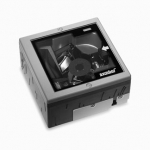
The advanced Symbol LS7808 horizontal slot scanner from Zebra delivers exceptionally high first-pass read rates for faster checkout times
— and better customer service. The Symbol LS7808 represents the latest development in our three decade leadership in designing bar code scanners and our pioneering work in horizontal slot scanner technologies. The omni-directional scan pattern reads the bar code regardless of orientation, eliminating the need to precisely align products to the scanner. Advanced software algorithms reconstruct poorly printed and damaged codes, further increasing performance and speeding customers through the point of sale.







