

X1Jet HP Stitch MK2
The Markoprint X1JET Stitch is a self-contained inkjet printing system that uses tried-and-true HP Class printing technology. Its space-saving electronics are hidden behind the cartridge, allowing it to be installed in confined areas. This entry system is especially useful for printing many 12.5 mm print pictures at the same time, which is typical in multi-lane deep-drawn packaging plants. To print a larger print image (up to 100 mm) , up to 8 X1JET Stitch printheads can be cascaded . The patented Click’n’Print cartridge holder makes replacing cartridges a breeze at any time. The SmartCard function of the system detects the ink cartridge and automatically sets all parameters.
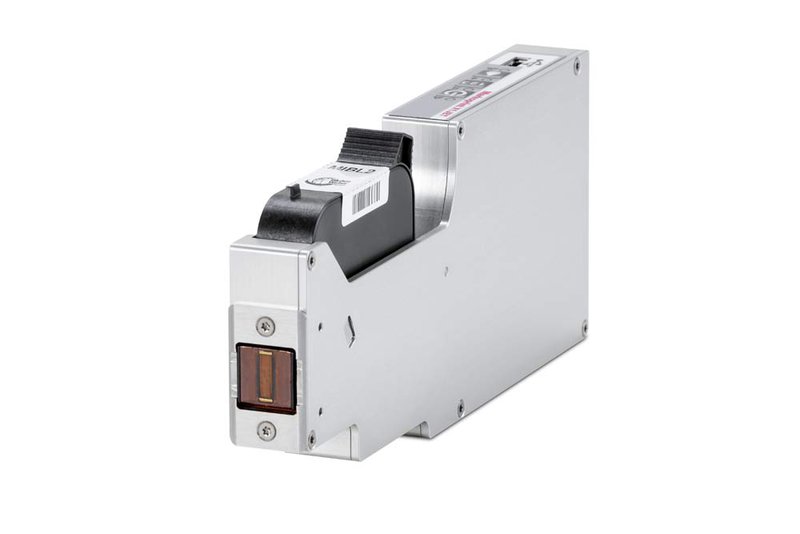
X1Jet HP Stitch MK2
HP technology printing system for confined installation conditions
-
-
-
- Independent print system with HP technology
-
-
-
-
-
- Durable casing in milled and anodised aluminium
-
-
-
-
-
- Patented Click‘n Print cartridge holder for fast and easy changing of the cartridge
-
-
-
-
-
- SmartCard function for the automatic recognition and storage of the ink level
-
-
-
-
-
- Electronics mounted behind the cartridge to save space
-
-
-
-
-
- Use in confined installation conditions
-
-
-
-
-
- Particularly advantageous for the installation of several printers, e.g. for multi-track thermoformed packaging systems in order to print several 12.5 mm print images simultaneously
-
-
-
-
-
- Up to 8 print heads can be cascaded to print an image with a height of 100 mm
-
-
-
-
-
- No integrated photo sensor for automatic print start
-
-
Adobe Reader is required to open and view PDF files. This can be downloaded free from adobe.com.
Available Documents
X1JET HP StitchInk Guide 2015
- 2” direct thermal printer
- 1.89” [48 mm] print width
- 2.25” [57 mm] media roll width
- Optional Bluetooth or 802.11 b/g connectivity
Sustainable Labels

We offer a number of sustainable label products, including renewable films and papers, 100 percent post-consumer waste papers, dis-solvable and reputable papers, soy-based inks, and more. We believe that what is good for business can be better for the environment. We do not believe that being green has to cost more; no packaging professional should accept that. Here at Weber, we pledge to strive to develop products and process that improve our environment and our bottom line.
OC2
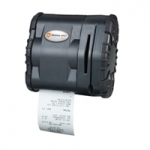
The OC2 is a streamlined, light weight, and ergonomic thermal printer that provides receipts 2.25 inches wide, and addresses the continually expanding requirements associated with retail, healthcare, hospitality, transportation, and mobile field service applications.
Specifications at-a-glance:
XC Label Printer
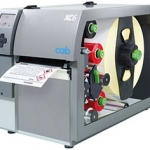
The layout of the labels is created either using label software or through direct programming via a text editor on the PC. Label formats, fonts and graphic data, serial data and database contents are saved or imported on the CF memory card, USB flash drive or the internal IFFS printer memory. Only variable data is sent to the printer via keyboard or host computer before being printed out. Data from a barcode scanner or a balance can also be received by the printer.
View ProductPrimary labels / pre-printed labels
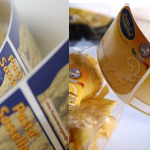
Brands and high-quality products need suitable labels to represent the image and reflect the branding. Weber Marking Systems is geared for the production of high-quality primary and pre-printed labels for any application.
View Product






