

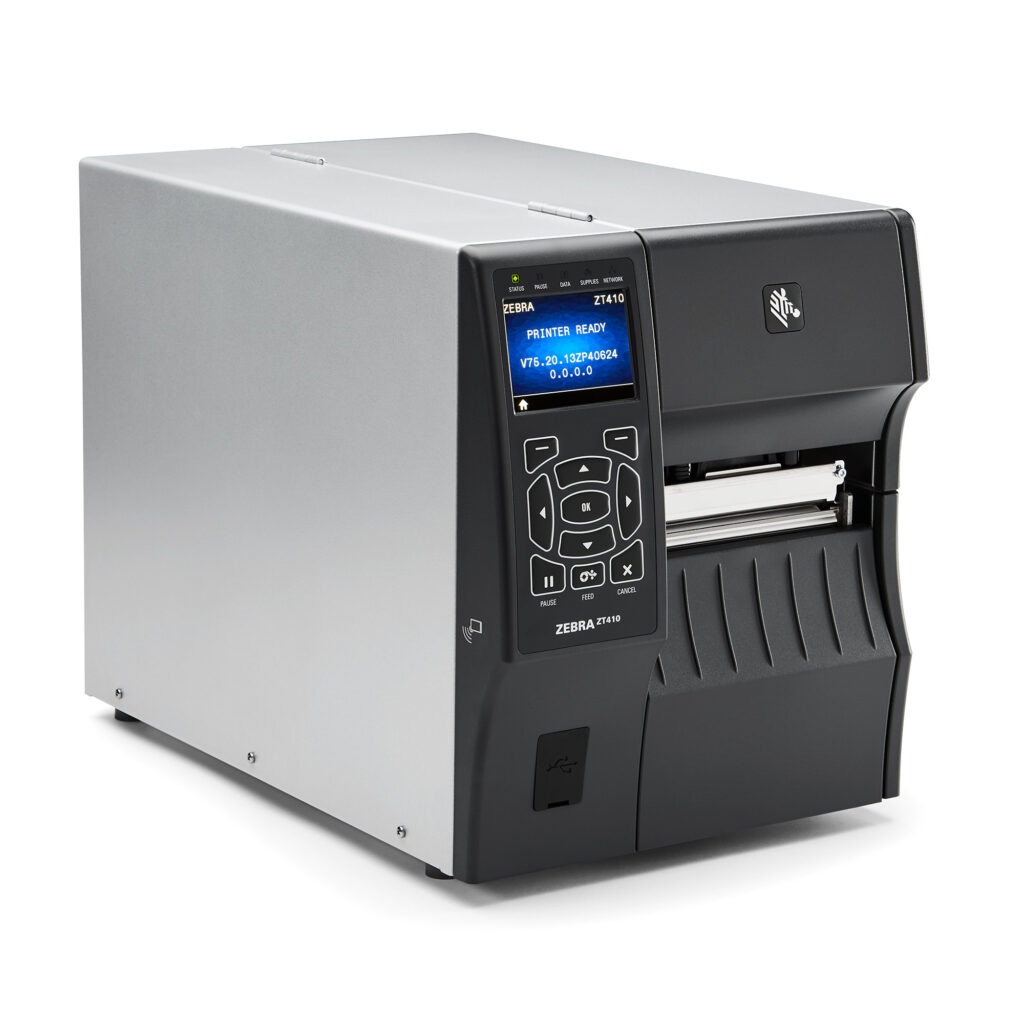
ZT400 SERIES RFID PRINTERS
Loaded with advanced features and connectivity options, these printer/encoders accurately and efficiently produce labels for all your mid- to high-volume item-level tracking applications. And, with Zebra’s Link-OS® environment, they’re easy to integrate, manage and maintain from any location.
Industry
 Manufacturing
 Transportation & Logistics
 Retail
 Healthcare
Used For:
- Distribution
- Shipping and Receiving
- Work-in-Progress Tracking
- Document and Patient Records Management
- Back-of-Store Operations
- Compliance Labeling
- Product ID/Serial Numbers
- Security Tagging
- Specimen/Laboratory/Pharmacy Labeling
- Cross Docking

Adobe Reader is required to open and view PDF files. This can be downloaded free from adobe.com.
Available Documents
ZT400 Brochure- Label and Wristband Printing
- High Speed Printing
- Printing Resolution of 203 / 305 / 609 dpi
- Anti-microbial Casing
- Small, Compact, High
- Throughput Design
- Easy Media Loading and Maintenance
- Wireless Connectivity
- RFID Ready
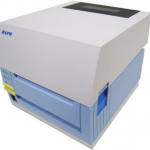
Sato CT4i Compact and Versatile Printer
FEATURES
SATO TG3 | Retail Tag & Label Printer
This series of retail SATO printers include a heavy duty print mechanism and cutter assembly which carries on the tradition of durability and performance of SATO solutions.
View ProductZebra MP6000
Everyone knows first impressions are important. But in retail, last impressions can count even more. POS lanes are your last touchpoint with your customer — a touchpoint that can make or break a sale and the customer experience. Keeping checkout lines moving couldn’t be more important — or more challenging. Manufacturers are using new GS1 DataBar and 2D bar codes to improve inventory management throughout the retail supply chain. Customers are rapidly adopting electronic bar codes that represent loyalty cards, discount coupons and gift cards for their value and convenience, since they can be stored on the one device they have with them at all times — their mobile phones.
View ProductZebra ZD410
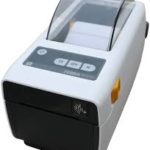
The ZD410 is the smallest printer in its class, fitting easily in the most space-constrained desktop or shelf. Available with either 203 dpi or 300 dpi print resolution, the ZD410 is ideal for printing labels with a shelf life of less than one year. The ZD410 is currently available for purchase only in North America and the European Union countries. It will be launched in other countries throughout 2016.
View Product






