

Zebra GK420 TT/DT 203dpi Printer
Zebra GK420 Thermal Transfer Desktop Printer
The Zebra enhanced GK420t thermal transfer printer offers the best value in a basic desktop printer, featuring a fast 5 inches per second print speed to meet your low- to medium-volume printing requirements.
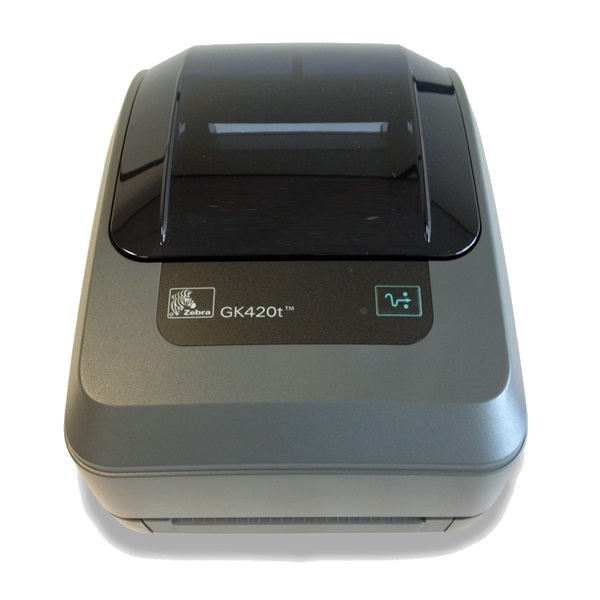
The GK420t has a sleek and compact design, boasts the easiest ribbon loading system on the market, and supports a variety of applications and industries.
Standard Features –
Print speed: up to 5″ (127 mm) per second
Print method: direct thermal/thermal transfer
EPL and ZPL programming languages standard
OpenACCESS design for easy media loading
Quick and easy ribbon loading system
Dual-wall reinforced plastic construction
32 bit RISC processor
XML-enabled printing
Adobe Reader is required to open and view PDF files. This can be downloaded free from adobe.com.
Available Documents
Zebra_G-SeriesGK 420 Datasheet
Milk Labels
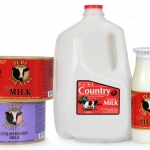
Milk labels come in all shapes, sizes and flavors these days. With all the new types of containers, it is sometimes hard to find the right adhesive to keep your label on your product. We have some great ideas that can help you improve the appearance of your milk brand. Weber can help you pick the right adhesives and facestock to stand up to the refrigerated environment and still look refreshing.
View ProductZebra GK420
Zebra’s GK™ Series and GT800 desktop printers combine dependable printing with fast print speeds and network manageability. With their easy-to-use design, Zebra’s advanced desktop printers enable you to improve operational efficiencies.
View ProductElectronic Hand Held Label Applicator Model LD 70
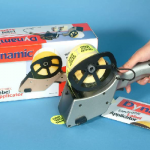
Used directly from it’s own mains power supply or remotely from it’s rechargeable batteries, the LD70 can dispense and apply labels up to 65mm wide and there is no restriction on the maximum length.
View ProductEASYMARK – Standard Wax
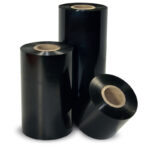
EASYMARK is the standard Weber wax ribbon which delivers consistent print
quality on any kind of paper label materials. It prints high density legible
barcodes and traceability data for short life labeling needs.







