
SATO | NX Series
The NX is SATO’s universal printer range engineered for the ultimate operator experience, and is skilfully crafted to support new and legacy printing applications across a wide range of verticals that would require a durable and dependable printer for years to come.
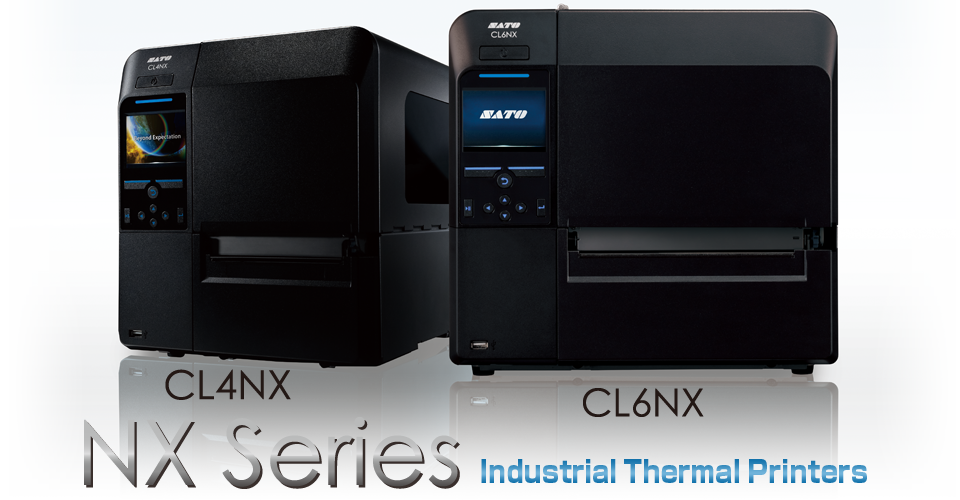
NX Series | Features
SATO‘s first truly Universal industrial label printer engineered for the most demanding printing needs. The new NX Series comes loaded as standard with many features to make operation and maintenance easy for you.

- User-Friendly operation
- Multi-National Language Support
- Multi emulation Support
- Standard multiple On-board Interfaces
- Support for a variety of media types
- Easy Set-up and Maintenance
- High Speed Processing and Throughput
- Space Saving Design
- Superior Print Accuracy and Quality
- Durable Design
User-Friendly Operation
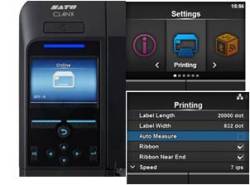
 Blue LED Indicator – Blue confirms normal operation and Red indicates an operation alert. Clearly visible from a distance. Blue LED Indicator – Blue confirms normal operation and Red indicates an operation alert. Clearly visible from a distance.
|
Durable Design
Tough metal housing – Protecting against damage in the field, the NX Series is ready for the toughest of environments.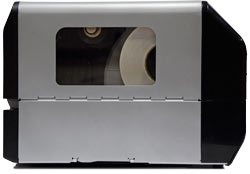
Aluminium Die-Cast chassis – Key parts such as the chassis, front cover, ribbon spindles and print unit are of aluminium die-cast construction to withstand the most challenging environments.
Ribbon Rewinder – Oversized core provides stable rotating torque and reduce a chance of wrinkles while in use of up to 600M long roll.
Wear parts life time – The printhead and platen roller have been designed for double life time operation prolonging intervals between maintenance and reducing operating costs.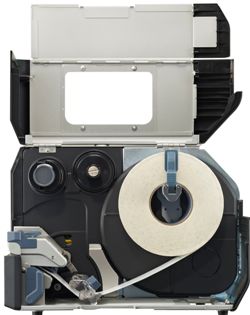
Tool-less Replacement Parts – Provides quick replacement of both the print head and platen roller with no tools required, which helps provide easy maintenance and reduce unwanted downtime.
Features |
||
| – User-friendly operation – Multinational language support – Multi emulation support – Standard multiple on-board interfaces – Support for a variety of media types |
 |
– Easy setup and maintenance – Space saving design – High-Speed Processing & throughput – Superior print accuracy and quality – Durable Design |
CL4NX |
CL6NX |
|
| Print method: | Direct Thermal / Thermal Transfer | |
| Print resolution: | 203, 305 or 609 dpi | 203 or 305 dpi |
| Print width: | 104 mm – 4.1″ | 167.5 mm – 6.5″ |
| Print speed: | 250 mm/s – 10 inch per second 200 mm/s – 8 inch per second 152 mm/s – 6 inch per second |
250 mm/s – 10 inch per second 200 mm/s – 8 inch per second |
| Emulations: | Auto detect: ZPL – IPL – TPL – DPL |
Adobe Reader is required to open and view PDF files. This can be downloaded free from adobe.com.
Available Documents
NX Brochure English DownloadableZebra DS4800 Series Scanner
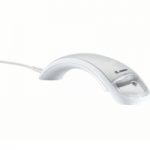
In today’s highly competitive retail market, improving your customers’ experience is a must. To differentiate yourself and keep shoppers
coming back, you not only need fast, smooth checkouts, you need an aesthetically pleasing store environment that reinforces your brand.
Yet, the POS, the most common point of interaction between customers and sales associates, is often overlooked. Current scanner technology does not enhance the checkout experience or integrate your brand into the process. But Zebra’s DS4800 Series changes that.
Warehousing
QUICKCARD PROFESSIONAL PHOTO ID KITS
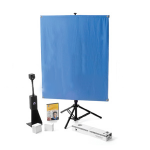
All-in-one photo ID systems help you create professional-quality ID, security and commerce-related cards simply and easily. Perfect for organisations of any size.
View ProductGeset 111 Top Labelling System
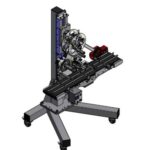
The Geset 111 labelling system is used to label square products on the top side automatically. Depending on the type and dimension of the product, different label sizes are used. The products are fed manually or by a conveying system provided by the customer at an infeed passage on the labelling system. Care should be taken on accurate alignment of the products. It is essential that the products are forwarded separately to the applicator with a gap between each other.
When the barrier is reached, an application trigger is tripped. The label applicator applies a label on the product in Wipe On procedure. The label on the top side is pushed on to the product by a brush or roller. After labelling, the products move on and can be removed from the conveyor by the customer.
View Product