

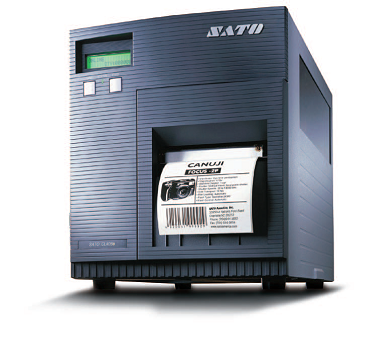
Sato CL4e / CL6e Printer
FEATURES
- High-performance printing
- 203 x 305 dpi
- Print width 4 and 6 inches
- Multi-language display
- Flexible connectivity
- Large memory
- Windows® – Compatible
- RFID Ready!
APPLICATIONS
- Logistics
- Distribution Centres
- Warehouse
- Production
Adobe Reader is required to open and view PDF files. This can be downloaded free from adobe.com.
Available Documents
CL4 Data Sheet EN- Anti-microbial Casing
- User Friendly Operation and Maintenance
- Printing Resolution of 203 / 305 dpi
- Real-time Clock
- Prints 4 inch Labels,Receipts and Tags
Sato M5900RVe Printer
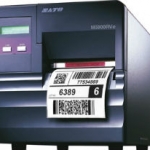
The M5900RVe is a rugged industrial printer with the “e” Series high performance. It is designed specifically for demanding direct thermal applications.
XC4, XC6 – the GHS label printers for two-color printing
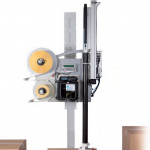
Two in-line arranged thermal transfer print units for simultaneous two-color printing in one label.
With ribbon saver at one print unit.
View ProductSato CG4 Printer
FEATURES
microFlash 2te
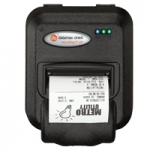
The microFlash 2te is the industry’s most rugged and reliable 2-inch wireless portable printer, in addition to being the smallest. In fact, the 2te is up to 33% smaller its nearest competitor! The 2te printer will dramatically increase the efficiency and productivity of your workforce, and ensure that “printer failure” is a term that is rendered nearly obsolete. A grueling series of tests prove the 2te’s ability to withstand the most punishing physical abuse. As for performance, the printer’s processor is so fast that it rivals the output time of portable printers that claim to have twice the print speed. The 2te is also easy to integrate into new or already established applications. It utilizes USB, and is compatible with today’s handheld terminals and laptops. The 2te can be managed through many software packages.
View Product






