

Code & Apply
“Code & Apply” extends the possibilities: the LA 4050 delivers tags in a single automatic process quickly and precisely, thanks to reliable pneumatic technology from Festo combined with vacuum and pressure measurement. Potentially defective tags can be rejected by using the optional “Bad Tag Reject” unit.
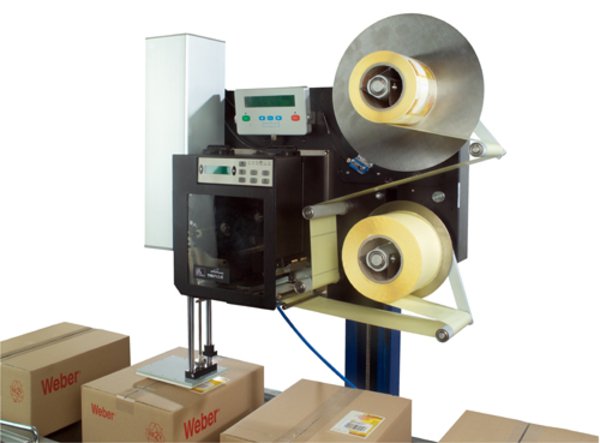
“Code & Apply” extends the possibilities: the LA 4050 delivers tags in a single automatic process quickly and precisely, thanks to reliable pneumatic technology from Festo combined with vacuum and pressure measurement. Potentially defective tags can be rejected by using the optional “Bad Tag Reject” unit.
Adobe Reader is required to open and view PDF files. This can be downloaded free from adobe.com.
Available Documents
- Choose from a wide range of 203, 300 and 600 dpi print engines
- Capable of handling print speeds up to 16 ips
- Numerous I/O’s ease interfacing with external devices
- Monitor operation via a web browser
- Available with RFID capability
U-45 Label Dispenser
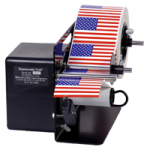
The Dispensa-Matic U-45 is ideal for dispensing pressure-sensitive labels from 0.375″ up to 4.5″ wide. Labels are peeled from their liner and presented to the user for easy grab and go labelling.
This semi-automatic electric label dispensing system is built to last using high-quality metal parts for years of service with little downtime. The U-45 is made in the USA and comes with a 3-year warranty.
View ProductAlpha Quadro Label Applicator
The right label at the right time
View ProductWeber LA4050B-EB – All Electric Belt Applicator System
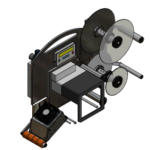
Weber’s LA4050B Series Electric Labelling Print and Apply automated labeling systems feature industry-leading smart technology that use sensors to reduce label application complications, ensuring a one-to-one label-product match. As the leading all-electric Label Printer/Applicator manufacturer on the market, our pressure sensitive labeling systems enable customers to completely replace conventional pneumatic systems with semi-electric and or a fully electric option that controls the label with pinpoint accuracy in side, top, bottom and corner-wrap applications throughout the packaging process.
View ProductModel 5300 Series Electric Tamp-Blow Label Printer-Applicator
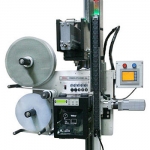
This Weber exclusive label print-apply system provides high-resolution printing and high-speed operation combined with the high-speed electric tamp-blow method of label application.







