

Geset 100 – Geset Labelling Machine
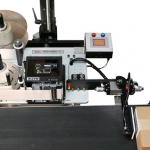
The Geset 100 is a labelling machine for small production series, designed to produce small volumes as accurately and flexibly as would a large plant.
A fast, reliable, and economical solution to product labelling, the Geset 100 labelling machine is part of a modular system.  Up to 50 modules are available for design solutions to customer demands.
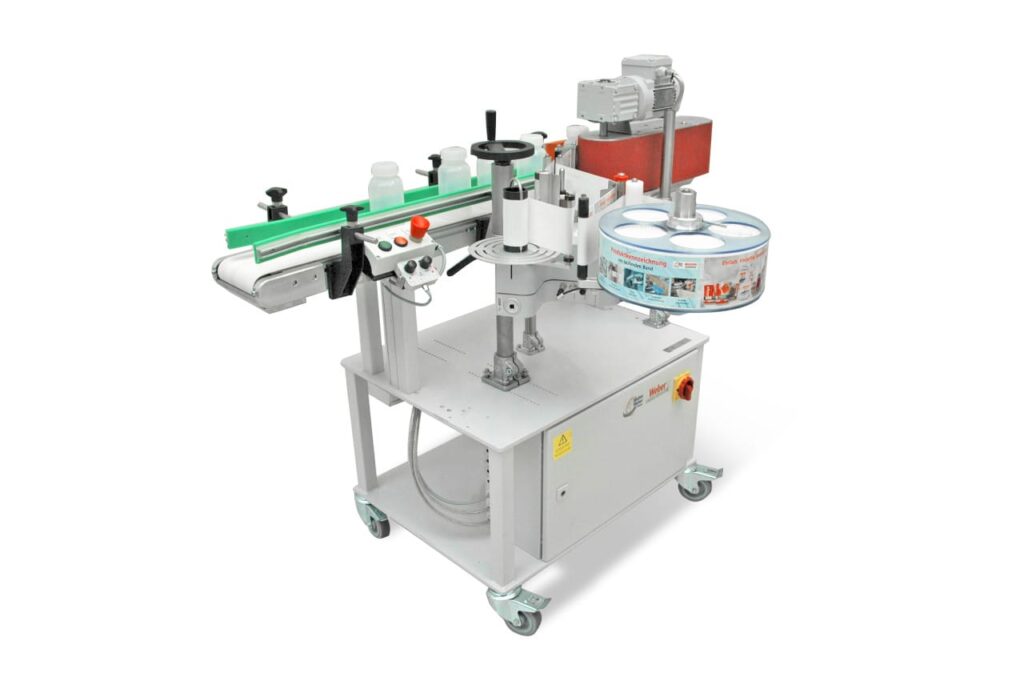
The Geset 100’s robust construction makes it ideal both for intermittent use a few minutes per day or for multiple shift operation. This labelling machines may be integrated into existing production processes or operated as a manually loaded stand-alone solution.
Adobe Reader is required to open and view PDF files. This can be downloaded free from adobe.com.
Available Documents
Geset 100 Instructions ManualGeset 100 Leaflet
- Large LCD display
- 203, 305 and 609 dpi
- Up to 104mm print width
- 1,000m ribbon capacity
- Heavy duty industrial design
- Ribbon saver function
- Optional quick change ribbon cassette
- 16 ips print speed
- Easy maintenance
- RFID Ready
- Choose from a wide range of 203, 300 and 600 dpi print engines
- Capable of handling print speeds up to 16 ips
- Numerous I/O’s ease interfacing with external devices
- Monitor operation via a web browser
- Available with RFID capability
ZT400 SERIES RFID PRINTERS
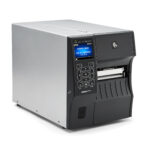
Loaded with advanced features and connectivity options, these printer/encoders accurately and efficiently produce labels for all your mid- to high-volume item-level tracking applications. And, with Zebra’s Link-OS® environment, they’re easy to integrate, manage and maintain from any location.
View ProductAlpha Quadro Label Applicator
The right label at the right time
View ProductSato S84 Series OEM Print Engine
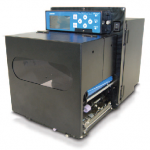
FEATURES
Model 5300 Series Swing-Tamp Label Printer-Applicator
This Weber exclusive provides high-resolution printing and high-speed operation combined with the swing-tamp method of label application that affixes labels to the leading or trailing side of a product.
View Product







