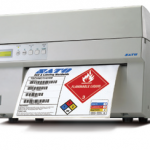
SATO DS Keyboard
The clever and compact SATO Smart Keyboard enables you to use your label printer independent from computers or networks.
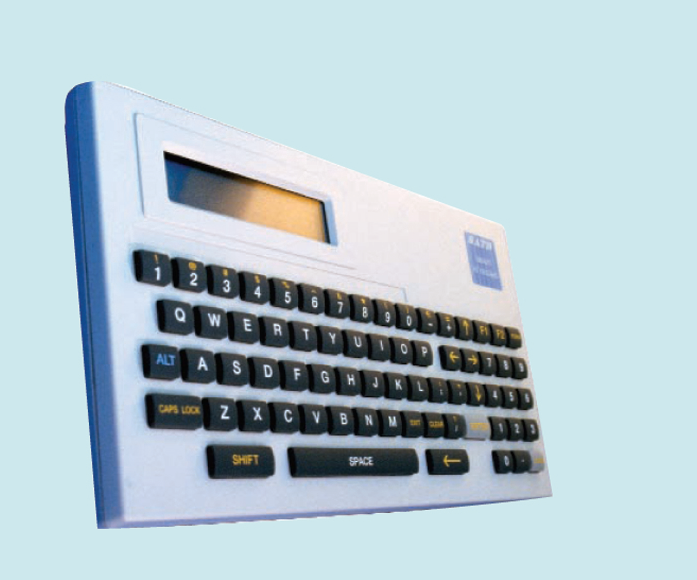
Either produce your labels direct, with the Smart Keyboard, or even easier, save your labels designed in SATO Dynamic Aviator or Dynamic Publisher direct in the memory of the keyboard, using the Downloader tool. The intelligent SATO Smart Keyboard is the perfect answer for real stand-alone label production.
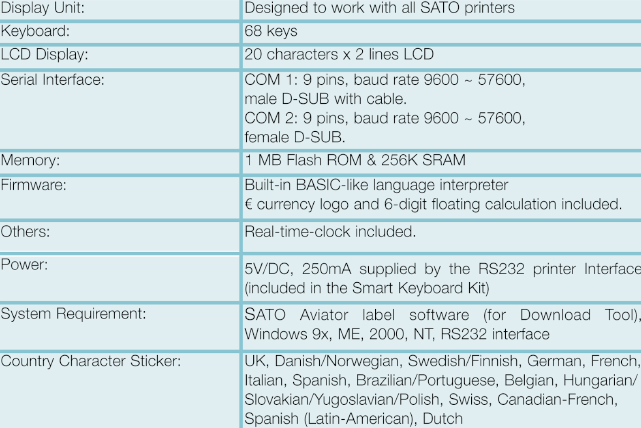
Adobe Reader is required to open and view PDF files. This can be downloaded free from adobe.com.
Available Documents
DS-keyboard- FEATURES
- Chemical – Drum Labels
- Fast Print Speed of up to 125 mm/sec
- Automatic Label Loading via Label Edge Sensor
- High Quality Printing up to 305 dpi
- Extra-wide (267 mm)
- Printing Area for Giant Labels or Multiple Labels per page
Zebra DS4800N Compact Laser Scanner
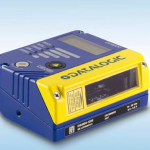
DS4800 is an industrial laser scanner combining flexibility and compactness thus satisfying all application needs of the production plant.
Through the smart focus adjustment DS4800 optimizes the performances based on the reading distance. This extends the reading area and
improves the overall read rate.
View Product
EASYMARK – Standard Wax
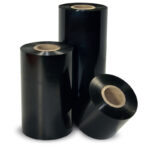
EASYMARK is the standard Weber wax ribbon which delivers consistent print
quality on any kind of paper label materials. It prints high density legible
barcodes and traceability data for short life labeling needs.
Midrange Label Printers
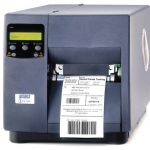
Industrial labels are high-performance products for a broad range of business branches. They can be seen on everything, from beverage packaging, ink cartridges to automotive tyres. In production, logistics, stocktaking as well as trading, these symbols assist to deliver data and supporting advertising
View ProductSato M10e Label Printer